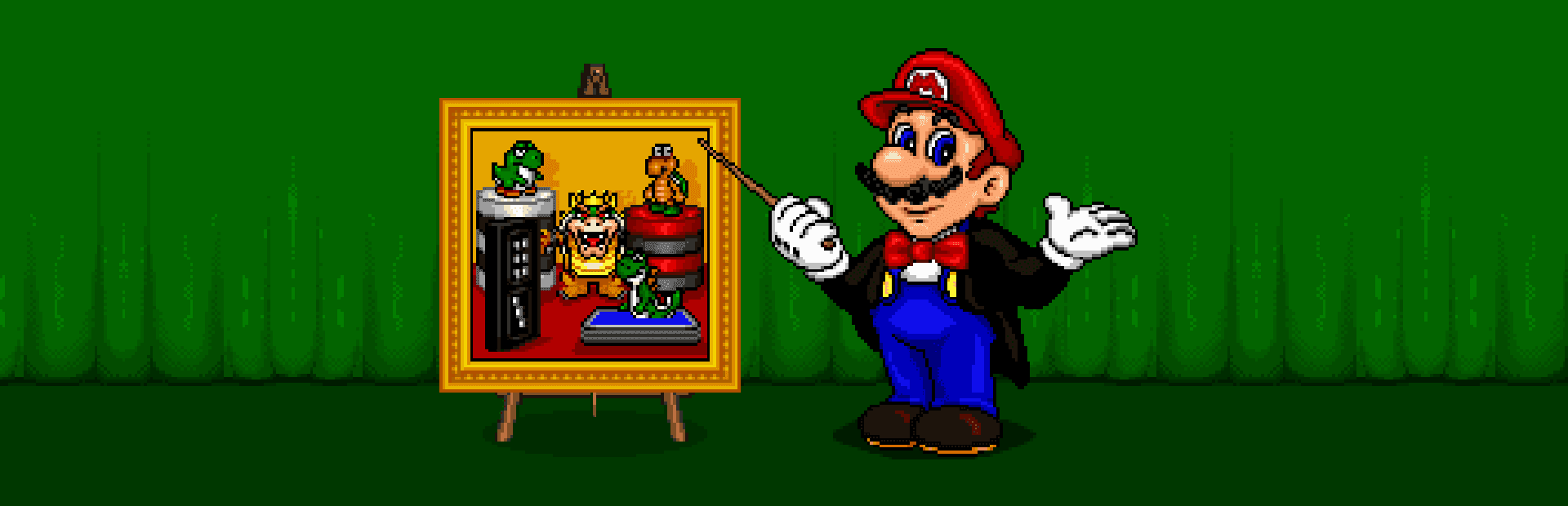

Playing Mario's Game Gallery means sitting face-to-face with Nintendo's plumber for a round of classic tabletop games, right at the weird moment in PC history when classic consoles and PC CD-ROMs briefly crossed paths.
Before Mario ruled 3D, he played cards on DOS
You boot up Mario's Game Gallery expecting a lazy licensed cash-in, and while it certainly isn't a lost platforming classic, it holds a strange place in PC gaming history. Developed by Presage Software, Inc. and published by Interplay Entertainment Corp. in 1995, this target-rich collection of five standard tabletop games was built to get kids clicking around on the family computer. What makes it immediately fascinating today is that it features the very first vocal performance of Charles Martinet as Mario in a video game, appearing more than a full year before Super Mario 64 redefined the character's voice forever.
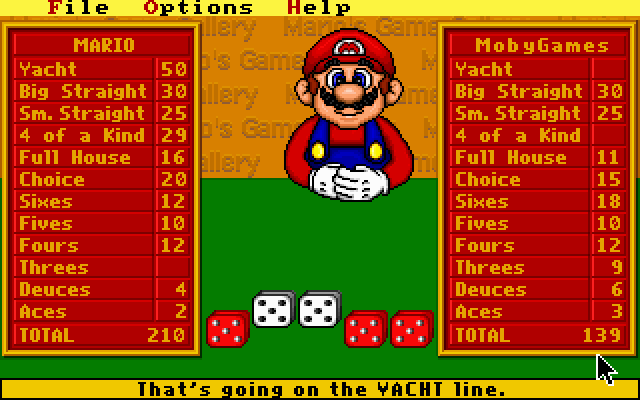
The main menu acts as a interactive hub where hovering your cursor over different board game options triggers Mario to vocally recommend what you should play next. Beyond the five digital pastimes, the game disc was packed to the brim with marketing material, offering bundled demo versions of heavy-hitting Interplay MS-DOS games like Descent, BlackThorne, Cyberia, and Stonekeep. It is a hilarious contrast: one moment Mario is asking you to play a round of Go Fish, and the next you can launch a demo for a dark, punishing 3D dark-fantasy dungeon crawler.
Five classic parlor games reskinned with Koopas and Yoshis
The core gameplay loops are strictly traditional, pulled straight from basic tabletop rulebooks. You get to select between five distinct board and card games:
- Checkers: The classic grid game where jumping pieces triggers custom animations of Yoshis eating Koopas, and kinged pieces turn directly into Bowser.
- Go Fish: A basic card-matching game played directly against Mario's hand.
- Dominoes: A standard tile-matching game where you lay down matching ends to drain your hand.
- Backgammon: The classic race game of checkers, points, and dice rolls.
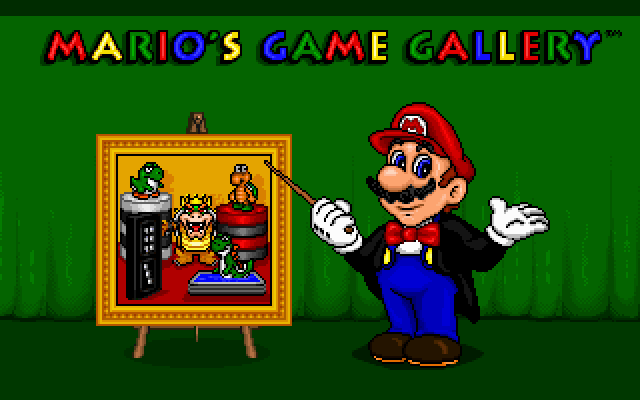
- Yacht: A traditional public-domain variant of Yahtzee where you roll five dice to score specific combinations.
Everything uses a simple point-and-select interface on a static, flip-screen perspective. The visual reskinning is where the Mario flair comes in: checkers are replaced by Yoshi and Koopa tiles, and matching sets feature icons straight out of 1990s Nintendo character art. There are no campaign levels, no named worlds, no boss fights, and strictly zero human multiplayer options. It is just you against Mario, sitting across a virtual table inside an early MS-DOS window.
Artificial intelligence that cheats and complains
Sitting down for a quick session reveals the game's biggest mechanical quirk: the computer opponent's baffling AI behavior. In Go Fish, players have pointed out for years that the AI seems to operate with complete knowledge of what is sitting in your hand, asking for your exact cards with suspiciously perfect accuracy. Meanwhile, in dice-based games like Yacht, retro reviewers often note that the rolls feel heavily rigged in the player's favor, making victory trivial once you learn the scoring categories. This total lack of difficulty settings creates an uneven loop where Go Fish feels infuriatingly unfair, while Yacht plays like an automatic win machine.
The real test of your patience, however, is Mario himself. If you spend more than a few seconds contemplating a move in Backgammon or scanning your domino tiles, Mario gets visibly restless. He will sigh, shift around, and verbally nag you to hurry up and make a move. Combined with the utter lack of structural depth or progression, his constant comments will either charm you or make you close the game within fifteen minutes.
How to play Mario's Game Gallery online today
Contemporary newspapers like the Los Angeles Times praised this compilation as a solid educational title for kids when it launched on PC, though later gaming history books heavily criticized it for diluting Nintendo's mascot brand on non-console hardware. It is definitely a basic set of parlor games, but hearing Martinet work out the early Italian-accented vocal lines for Mario while jumping a Koopa piece in Checkers is a slice of oddball software history every fan should see once.
You can play Mario's Game Gallery online right now, free in your browser with no installation needed. If you want to experience the exact moment Mario got his voice for the first time, load up a fast round of Checkers and deliberately take forever to make your first move just to hear him nag you about it.