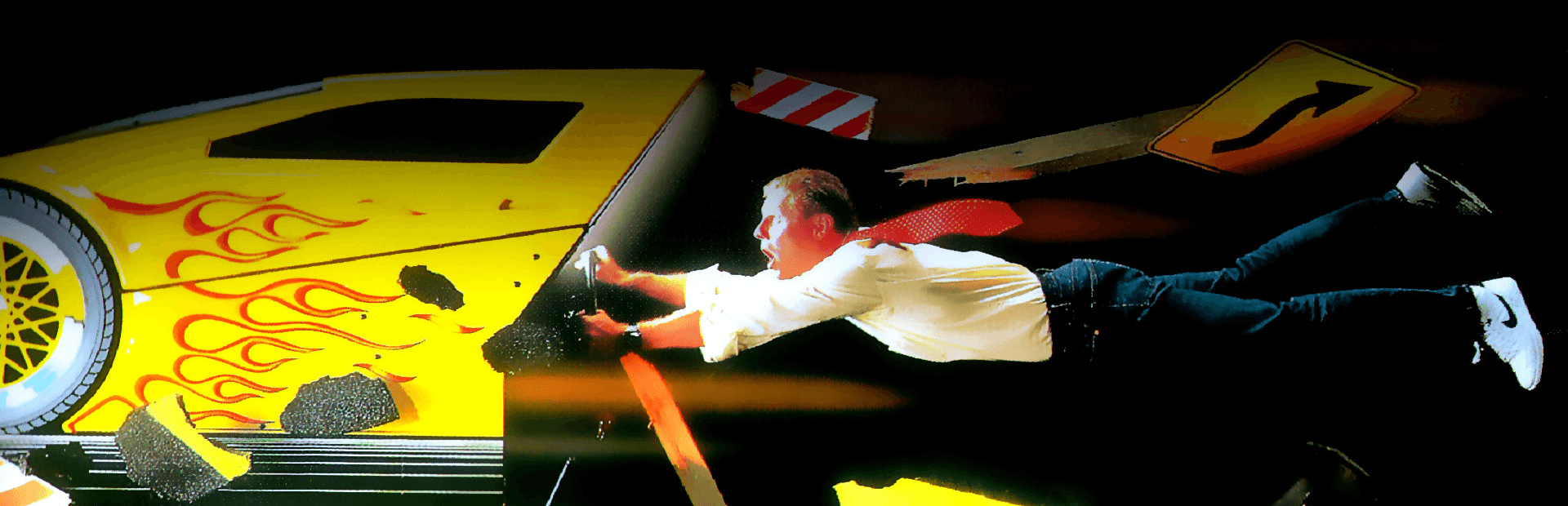
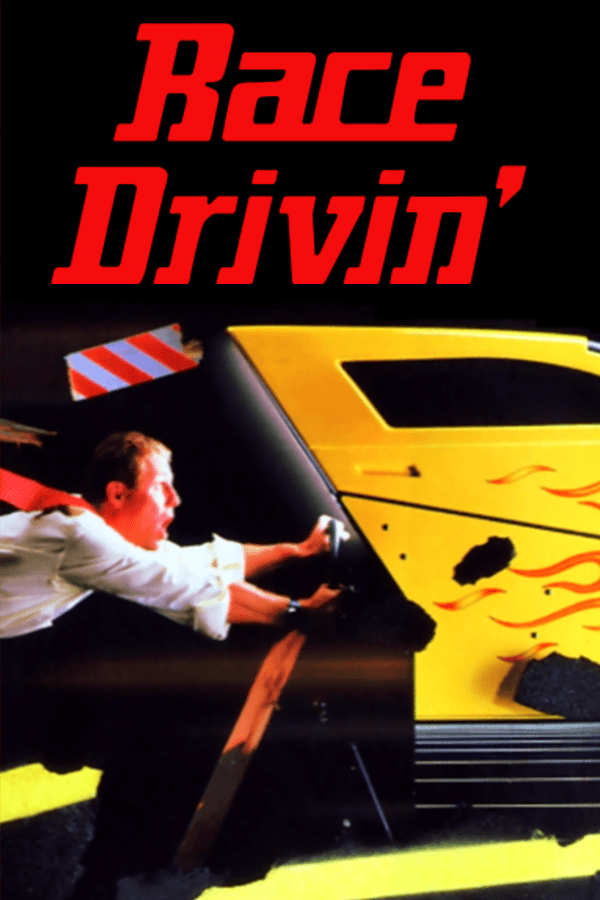

Race Drivin' brought flat-shaded 3D stunt tracks, instant crash replays, and brutal time limits from the arcade straight to your MS-DOS PC in 1992.
When Atari Games originally designed the 1989 arcade classic Hard Drivin', they built custom hardware around Digital Signal Processors just to calculate polygon physics in real time. Bringing the 1991 arcade sequel Race Drivin' down to home computers in 1992 meant handing conversion duties to UK developer Walking Circles and publisher Domark. The result on a 386 or 486 processor is a classic study in early PC trade-offs: full 3D vector graphics that feel genuinely ahead of their time, paired with a frame rate that tests every drop of your patience.
Launch the DOS game and you are greeted by an upbeat intro track driven by a synth guitar riff that sounded surprisingly punchy if you owned a Roland MT-32 module. Once you hit the asphalt, however, the audio drops down to simple engine hums and tire squeaks, leaving all system resources to struggle through rendering the geometry ahead.
You choose between three vehicles: the Roadster, the Speedster, and the Sportster. Each car offers distinct weight and acceleration profiles, but all three suffer from the same fundamental issue when mapped to a keyboard or digital joystick. Retrospective players often summarize the vehicle handling as feeling like Bambi on ice, and the description is dead accurate. A microsecond of extra steering input sends your back tires sliding, launching your vehicle into a frantic spin.
The course selection expands on the single loop of the original game:
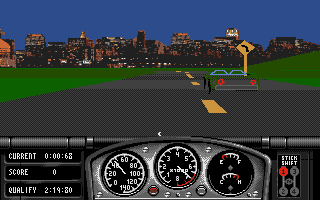
The real enemy in this time-based racing game is not the ticking clock or the sharp turns, but the choppy frame rate. When the screen drops into low single digits while negotiating a corkscrew loop, your spatial awareness evaporates. A tiny correction on the keyboard takes half a second to register visually, by which time your Sportster has already clipped a barrier, flipped sideways, and exploded into individual 3D polygons.
Failing to reach the next checkpoint before the strict timer hits zero cuts your run short instantly. Yet, crashing delivers the game's best feature: the instant replay system. Watch your car roll over off a ramp, bounce off the tarmac, and shatter into geometric debris while the camera pans dynamically around the wreckage. Period reviews were divided on the total package, with The One for Amiga Games scoring it an enthusiastic 85% while Sweden's Datormagazin handed it a harsh 38% for its sluggish performance.
If you want smooth, forgiving simulation, look to later 90s racers. But watching developers aggressively push IBM-compatible hardware to deliver arcade-style 3D polygon graphics is still half the fun. It demands smooth inputs, precise track memorization, and an appreciation for early computer graphics history.
You can test your skills on the stunt loop and play Race Drivin' online right now in your browser without setting up complex system files or hunting down floppy disk images. The true physics quirk only reveals itself once you hit that first ramp at top speed: balancing your throttle so you stay glued to the track on a corkscrew requires a delicate rhythm that static screenshots can never convey.
Race Drivin' brought flat-shaded 3D stunt tracks, instant crash replays, and brutal time limits from the arcade straight to your MS-DOS PC in 1992.
When Atari Games originally designed the 1989 arcade classic Hard Drivin', they built custom hardware around Digital Signal Processors just to calculate polygon physics in real time. Bringing the 1991 arcade sequel Race Drivin' down to home computers in 1992 meant handing conversion duties to UK developer Walking Circles and publisher Domark. The result on a 386 or 486 processor is a classic study in early PC trade-offs: full 3D vector graphics that feel genuinely ahead of their time, paired with a frame rate that tests every drop of your patience.
Launch the DOS game and you are greeted by an upbeat intro track driven by a synth guitar riff that sounded surprisingly punchy if you owned a Roland MT-32 module. Once you hit the asphalt, however, the audio drops down to simple engine hums and tire squeaks, leaving all system resources to struggle through rendering the geometry ahead.
You choose between three vehicles: the Roadster, the Speedster, and the Sportster. Each car offers distinct weight and acceleration profiles, but all three suffer from the same fundamental issue when mapped to a keyboard or digital joystick. Retrospective players often summarize the vehicle handling as feeling like Bambi on ice, and the description is dead accurate. A microsecond of extra steering input sends your back tires sliding, launching your vehicle into a frantic spin.

The course selection expands on the single loop of the original game:
The real enemy in this time-based racing game is not the ticking clock or the sharp turns, but the choppy frame rate. When the screen drops into low single digits while negotiating a corkscrew loop, your spatial awareness evaporates. A tiny correction on the keyboard takes half a second to register visually, by which time your Sportster has already clipped a barrier, flipped sideways, and exploded into individual 3D polygons.

Failing to reach the next checkpoint before the strict timer hits zero cuts your run short instantly. Yet, crashing delivers the game's best feature: the instant replay system. Watch your car roll over off a ramp, bounce off the tarmac, and shatter into geometric debris while the camera pans dynamically around the wreckage. Period reviews were divided on the total package, with The One for Amiga Games scoring it an enthusiastic 85% while Sweden's Datormagazin handed it a harsh 38% for its sluggish performance.
If you want smooth, forgiving simulation, look to later 90s racers. But watching developers aggressively push IBM-compatible hardware to deliver arcade-style 3D polygon graphics is still half the fun. It demands smooth inputs, precise track memorization, and an appreciation for early computer graphics history.
You can test your skills on the stunt loop and play Race Drivin' online right now in your browser without setting up complex system files or hunting down floppy disk images. The true physics quirk only reveals itself once you hit that first ramp at top speed: balancing your throttle so you stay glued to the track on a corkscrew requires a delicate rhythm that static screenshots can never convey.
How Race Drivin' is played — the keys the game listens to, grouped by what they do.
Highlighted keys are mapped — hover or tap one to see what it does.
In-game control scheme can be toggled dynamically between Keyboard, Joystick, and Mouse using 'K', 'J', and 'M'.
The on-screen keyboard and gamepad mapping the browser player uses on a phone, a tablet or a controller, as opposed to the real keys above. $PRO members make their own in the player and share them here; anyone can pick one to play with.
Cheat codes, console commands and memory pokes for Race Drivin' — each one verified and attributed.
Sign in to submitaka Race Drivin' a Go! Go!
How Race Drivin' is played — the keys the game listens to, grouped by what they do.
Highlighted keys are mapped — hover or tap one to see what it does.
In-game control scheme can be toggled dynamically between Keyboard, Joystick, and Mouse using 'K', 'J', and 'M'.
The on-screen keyboard and gamepad mapping the browser player uses on a phone, a tablet or a controller, as opposed to the real keys above. $PRO members make their own in the player and share them here; anyone can pick one to play with.
Cheat codes, console commands and memory pokes for Race Drivin' — each one verified and attributed.
Sign in to submit