The classic Windows aquarium screensaver was born in a dentist's waiting room
Before Ed Fries helped run game publishing at Microsoft, he turned a pixelated waiting room aquarium into the animated fish screensaver that swam across millions of CRTs in the 1990s.
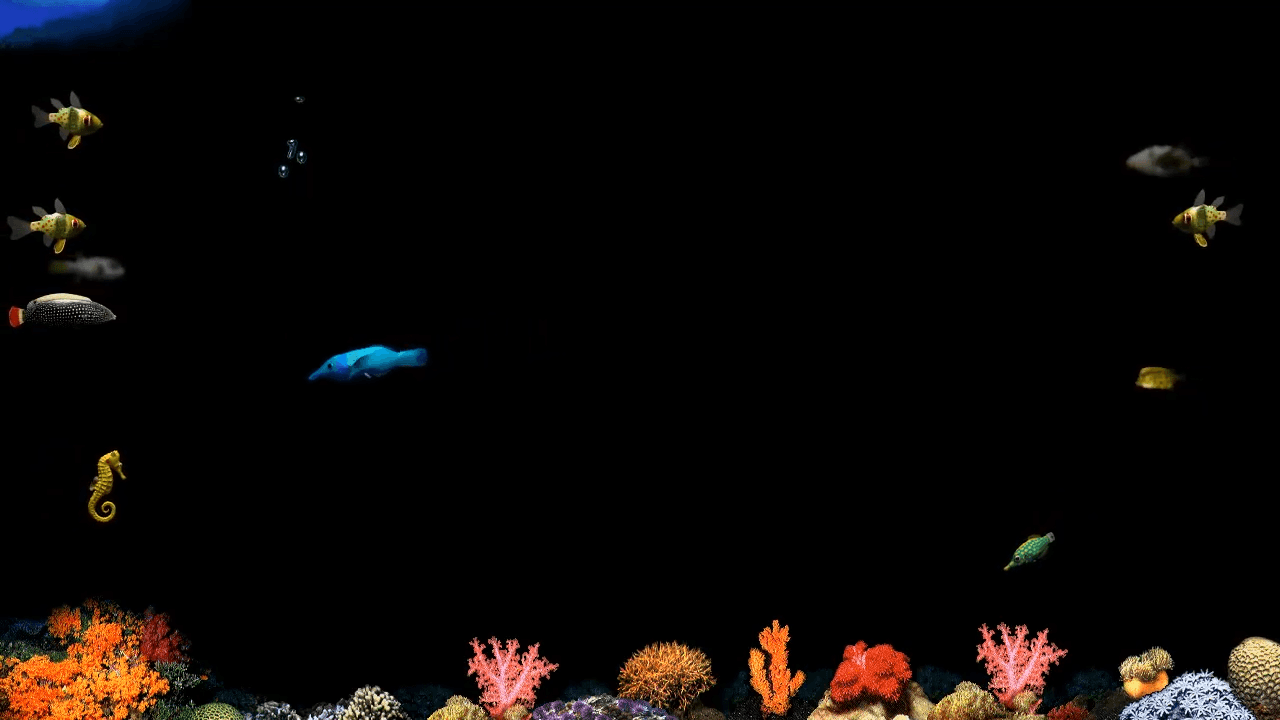
Before flying toasters invaded desktop monitors, the classic windows aquarium screensaver began as a quick hack to make a fake dentist office look believable. Software developer Ed Fries wrote text characters to fake moving water, starting a side project that spread across office networks overnight.
Text characters built the first windows aquarium screensaver
An artist needed a fish tank for a scene set in a digital dentist office. Ed Fries took the assignment and improvised with limited tools.
He didn't have high-resolution graphics to work with at first. Fries used parentheses to simulate water ripples on the screen. Lowercase letter o's floated upward to represent air bubbles rising to the surface. Tiny text characters moved across the display to fake swimming motion.
The visual artist later delivered proper fish artwork to replace the text. Fries converted his entire display into a full water tank after hours. Office colleagues saw the swimming fish on his monitor the next morning. They asked for copies to run on their own machines overnight.
Microsoft employees formed an underground group for silly software
When Microsoft hired Fries to work on Excel, he wanted to master Windows development. He chose to rewrite his fish code as a practical learning exercise.
A programmer on the Word team noticed the program and helped port it to Mac OS. That colleague also built a custom tank editor so users could adjust fish populations. They belonged to a secret internal group at Microsoft who called themselves bogus software.
Members of this crew spent their off hours writing odd utilities rather than business tools. They built joke applications, tiny toys, and simple desktop distractions. Fries later co-founded the team behind After Dark, the utility package that put flying toasters and swimming fish on beige computers everywhere.
CRT monitors required constant motion to stop screen burn
Idle computers in the early nineties needed continuous visual activity. A static screen left turned on for hours could permanently burn an image into the glass.
Glass CRT tubes drew heavy power and radiated enough heat to warm a small office. People depended on third-party utilities to save their expensive hardware from permanent damage. You could set your machine to launch floating shapes, starry skies, or underwater scenes whenever you stepped away from the keyboard.
I still miss watching a pixelated clownfish drift past synthetic seaweed. You would stare at those moving pixels while waiting forty minutes for a shareware ZIP file over a 14.4k modem. A single phone call or a bumped extension wire would drop the line and reset your download completely.
Modern browsers bring back the windows aquarium screensaver gameplay
You no longer need an ancient desktop to experience these classic utilities. Modern web developers have rewritten the engine using HTML5 and JavaScript.
These projects let you experience windows aquarium screensaver gameplay right inside a standard browser tab. Modern code drives the fish logic today instead of raw assembly or early C scripts. You get the same swimming patterns without dealing with startup scripts or system memory limits.
Web versions reproduce several features from the original software:
- Customizable fish counts and species selection.
- Adjustable swim speeds and background scenes.
- Simulated water bubbles and surface motion.
The experience sits somewhere between a simple toy and a windows aquarium screensaver retro game. You can tweak tank settings, pick your fish types, and let the animation run. It offers a quick look at how desktop customization used to work thirty years ago.
Run classic software in a browser tab without setting IRQ jumpers
The era of running dedicated background utilities just to protect your display is long gone. Modern monitors simply turn off to save energy, leaving animated screensavers behind.
If you want to run these classic tanks today, open a browser window and load a web emulator. You don't need to hunt down a working 486 machine or configure sound card channels. The code runs instantly on modern hardware, keeping a piece of software history functional.
You can launch an HTML5 tank right now, mute your workspace notifications, and watch digital fish float by until your shift ends.
Read next
Source: PC Gamer