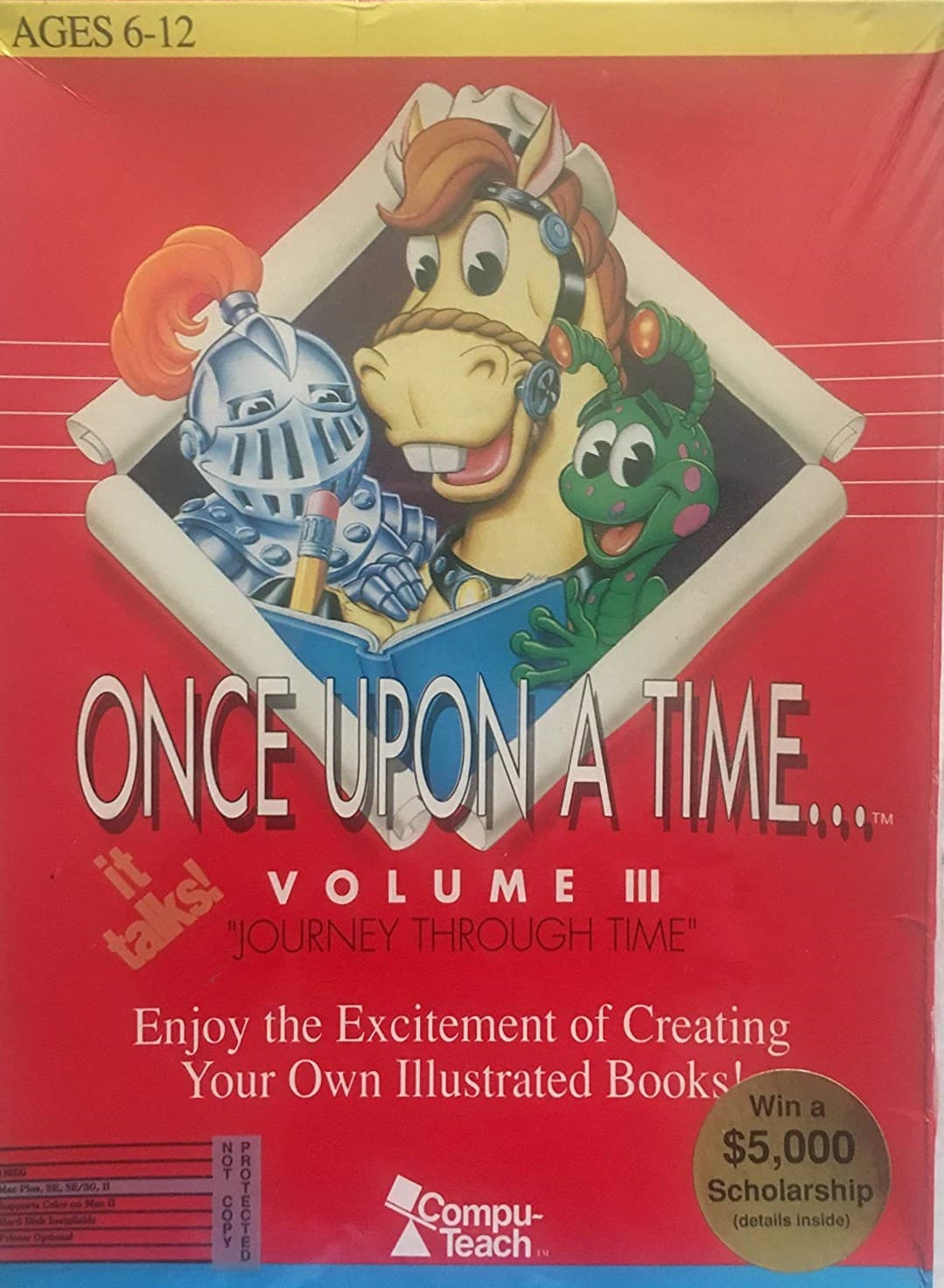
Once Upon a Time... Volume III: Journey Through Time
aka Once Upon a Time... Volume III - Journey Through Time
Building a medieval realm pixel by pixel in Once Upon a Time... Volume III: Journey Through Time feels like getting key access to an early digital printing press, complete with knights, queens, and a rampaging dragon.
Setting the scene with medieval clip art in Once Upon a Time... Volume III: Journey Through Time
Most children's software in 1990 treated writing as a chore to be rewarded with five minutes of arcade action, but Compu-Teach took a completely different approach. Instead of hiding the work behind a side-scrolling platformer, this creative package merged an early graphics program with a basic desktop processor. You are handed a blank screen, a set of medieval assets, and total control over how the story unfolds.
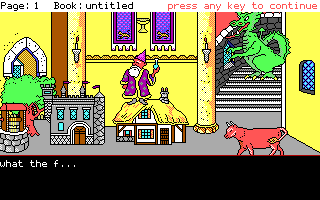
The program supplies the backdrop and characters, featuring a kingdom under threat from a dragon alongside royalty and knights. Your job is to place these objects onto the canvas and compose the narrative underneath. While building illustrations, children experiment with perspective and other spatial relations by shrinking or enlarging sprites to place them in the background or foreground, giving young writers a quick visual understanding of scene layout.
How the hybrid layout turns kids into real story publishers
The layout is split into two halves: the top panel houses the visual scene you build, while the bottom panel is dedicated to text. You can pick up a dragon graphic, place it next to a castle tower, and then immediately move down to write the text detailing the beast's arrival. This visual context encourages young writers to plan their narrative logic before hitting a single key.
The software was adopted by over 20,000 schools across the United States, finding a niche in special programs for ESL students because it connected visual concepts directly to printed words. When Compute! Magazine covered the software in January 1992, they praised it as a unique educational experience that kids think is nothing but fun. The reviewer pointed out that while using it to author a book, a child learns spelling, grammar, and linear logic without even realizing it.
Sound support and mechanical limitations on MS-DOS
Depending on what you had hooked up to your PC, the program had a genuine trick up its sleeve. While the standard internal speaker offered basic chirps, supported expansion hardware gave it full speech capability. Period magazine advertisements proudly proclaimed that this software talks, making the text interface far more interactive for kids who were still learning to pronounce new words.
Yet for all its strengths as a creative sandbox, it definitely shows the rigid constraints of early educational games. The graphics palette is locked to standard early DOS colors, and sprite movement is strictly click-and-place with no animation. If a child expected the dragon to breathe actual animated fire across the screen, the static nature of the authoring tool might disappoint them. It is a tool for making static picture books, demanding that the child's imagination do the heavy lifting that the engine cannot.
The lasting appeal of the Compu-Teach storybook engine
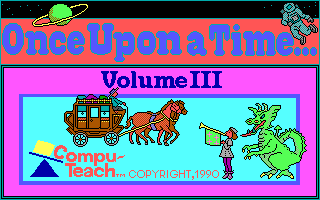
Released in 1990 alongside companion titles like Volume I: Passport to Discovery and Volume II: Worlds of Enchantment, this third entry carved out a dedicated space by leaning heavily into classic fantasy tropes. Compu-Teach knew that giving children a king, a queen, and a monster was the fastest way to get them typing full sentences. The series stood out on standard school computers, including ports for the Apple II and Apple IIGS alongside MS-DOS.
The core design holds up because it treats the user as an author rather than just a player reaching a high score. It provides just enough structure to start a idea, then gets out of the way so you can finish the page yourself.
Fire up Once Upon a Time... Volume III: Journey Through Time in your browser
You can play Once Upon a Time... Volume III: Journey Through Time free in your browser right now on this page. If you are trying the MS-DOS game for the first time, skip the main menu prompts and jump straight into assembling a page. Pick a castle backdrop, drop a knight into the foreground, adjust his size to test the spatial perspective, and type out your first page of text to see how fast the interface comes together.